
3 orders due tomorrow or late
Measurements, visit by visit
Each person in the family gets their own measurements on a drawing of the garment, and every save is kept.
Measurements, orders, karigars' wages and every customer's account — in one app, in Urdu or English.
Android in Pakistan · Free for 12 months for early birds
The customer wants last time's fit, a little looser. Finding last time means five minutes in the measurement book.
Every WhatsApp question means asking the karigar, then calling back.
Who stitched how many suits this week, and which slips still have money due — added up after closing.
The phone shows Sehal's real screens with example data. Here is why each step matters.
10:00 am
What you billed and received this week, what customers owe and what is in progress, on one screen.
10:30 am
Every open order with its delivery date. Orders due tomorrow or already late are counted at the top.
11:00 am
A returning customer's measurements are saved, so nobody measures twice or hunts through a notebook.
11:30 am
Items and prices, the delivery date and the advance. The amount still due is worked out for you.
2:00 pm
Each order shows its step, from Received to Stitching, and which karigar has each piece.
5:00 pm
Sehal writes the ready message with the amount left to pay. You send it from your own WhatsApp.
6:00 pm
The customer pays the rest and the amount due goes to zero. A mistake can be undone at once.
7:00 pm
Each karigar's earnings, what you paid and what you still owe, and the wage paid from the same screen.
8:30 pm
Every payment received today with how it was paid, newest first.
Each person in the family gets their own measurements on a drawing of the garment, and every save is kept.
Received, Cutting, Stitching, Ready, Delivered — one suit can be ready while two are still at the machine.
Take an advance when you book the order. The rest stays on the customer's account until it is paid.
Send it on WhatsApp from your phone, or send a link your customer opens to check the order themselves.
Each karigar's earnings are written when the order is delivered, and you pay wages from the same screen.
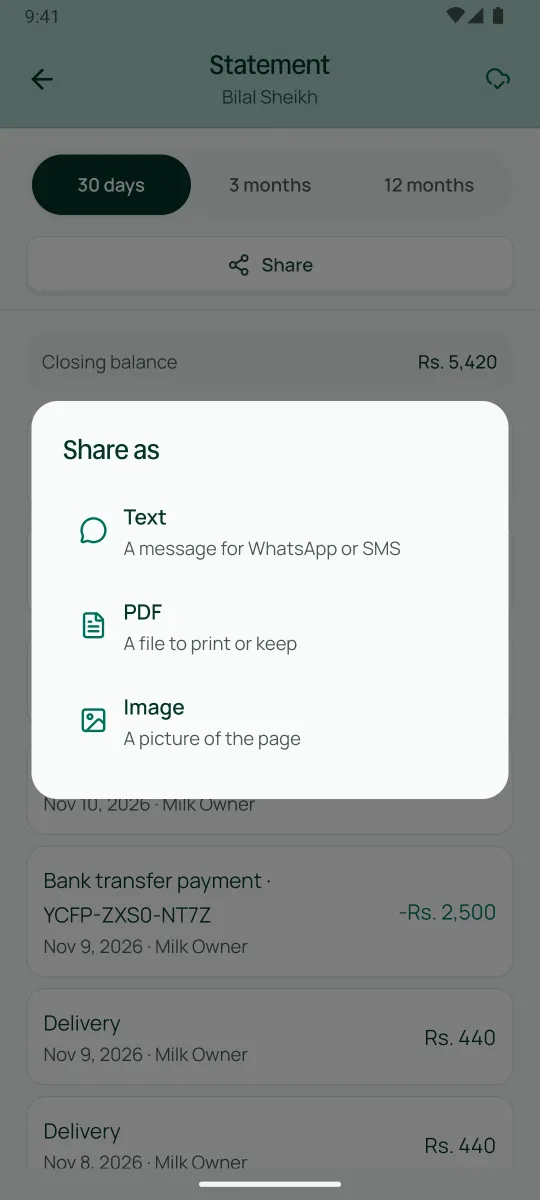
The bill carries the garment drawing, the measurements and photos, as a message, a PDF or a picture.
An example business, not a Sehal customer
One owner who cuts, a counter helper and three karigars, about 180 orders a month and twice that before Eid. The helper takes orders and payments with the Counter staff role. The karigars need no login: each gets a work slip that lists what to stitch and how. Or, with the Worker role, a karigar sees only their own work and earnings, with no prices and no one else's work. At 8:00 each morning the owner gets a notice of tomorrow's orders and any that are late.
Sign up on this site — six details.
Install Sehal from Google Play straight away and try the tailor demo with example orders.
We call you to get to know your shop before we open your account.
Your PIN comes on WhatsApp. Sign in and choose your own PIN.
Add your customers with what each one owes today, then your garments and prices.
Invite your counter staff from the Team screen. Two staff logins are included.
Yes. Each person gets their own measurements on a drawing of the garment, and every visit's measurements are kept. Common garments come ready, and you can build your shop's own cuts and price extras such as lining.
Record orders and payments without internet. Sehal sends them when you're back online. Photos, status links and the wage screens need internet.
No. Share the work slip with them. If a karigar wants to see their own work and earnings, give them the Worker role; a karigar without a login uses no staff seat.
The order's step and what is left to pay — never their name or measurements. The page is in English for now, and it stops 30 days after delivery.
Businesses that join while the early-bird offer runs use Sehal free for 12 months — for a limited time. After the offer, it is free for 14 days after your business is approved. Prices are published before anyone is billed.
Sign up today. Someone from Sehal calls you before we open your account.
Get early access